
Bold. Beautiful. WallpaperPanda.
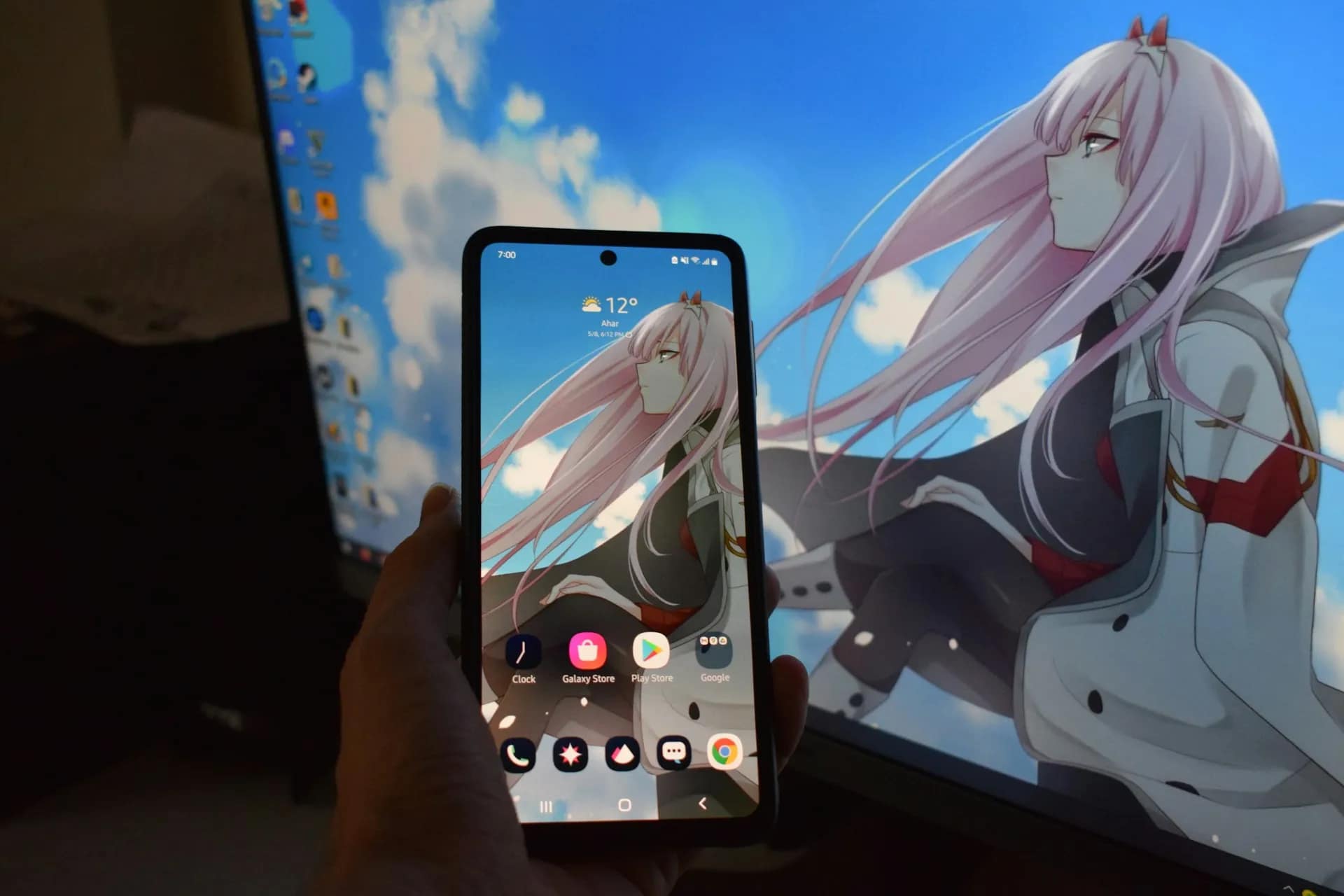
Choosing the correct wallpaper resolution is essential if you want your background to look sharp, clear, and perfectly fitted on your device. Using the wrong resolution can make wallpapers appear blurry, stretched, or pixelated.
In this guide, we’ll explain the best wallpaper resolution for different screen sizes, including phones, laptops, desktop monitors, ultrawide displays, and smartwatches.
Resolution refers to the number of pixels in an image, usually written as:
Width × Height
For example:
1920 × 1080
Higher resolutions contain more pixels, which means:
However, if the wallpaper resolution does not match your screen, the system may stretch or compress the image, reducing quality.
Most desktop and laptop screens use the following resolutions:
| Screen Type | Recommended Wallpaper Resolution |
|---|---|
| HD Display | 1366 × 768 |
| Full HD (1080p) | 1920 × 1080 |
| Quad HD (1440p) | 2560 × 1440 |
| 4K UHD | 3840 × 2160 |
| 5K Displays | 5120 × 2880 |
Ultrawide monitors are wider than standard displays and require specially sized wallpapers.
| Ultrawide Monitor Type | Recommended Wallpaper Resolution |
|---|---|
| Ultrawide Full HD | 2560 × 1080 |
| Ultrawide QHD | 3440 × 1440 |
| Super Ultrawide | 5120 × 1440 |
Using standard wallpapers on ultrawide monitors can cause black bars or stretching, so it’s best to use wallpapers specifically designed for these resolutions.
Dual-monitor setups combine the width of two screens.
Common dual-monitor resolutions include:
| Setup | Wallpaper Resolution |
|---|---|
| Two 1080p monitors | 3840 × 1080 |
| Two 1440p monitors | 5120 × 1440 |
| Two 4K monitors | 7680 × 2160 |
These wallpapers are designed to span across both screens seamlessly.
Smartphones come in many screen sizes, but most modern phones fall into these categories:
| Phone Type | Recommended Wallpaper Resolution |
|---|---|
| HD Phones | 1280 × 720 |
| Full HD Phones | 1920 × 1080 |
| Full HD+ Phones | 2400 × 1080 |
| Quad HD Phones | 2560 × 1440 |
| Modern Flagships | 3200 × 1440 |
Tablets typically use larger displays with different aspect ratios.
| Tablet Type | Recommended Wallpaper Resolution |
|---|---|
| Standard Tablet | 2048 × 1536 |
| Large Tablet | 2560 × 1600 |
| High-End Tablet | 2732 × 2048 |
Because tablets can rotate between portrait and landscape, using higher resolution wallpapers ensures better flexibility.
Smartwatch screens are small but still benefit from high-resolution wallpapers.
Common smartwatch wallpaper sizes include:
| Smartwatch Type | Recommended Wallpaper Resolution |
|---|---|
| Small Smartwatch | 368 × 448 |
| Standard Smartwatch | 390 × 390 |
| Large Smartwatch | 454 × 454 |
Because the screen is small, images should be simple and well-centered.
If you’re not sure what resolution your device uses, you can check it easily.
Go to:
Settings → Display → Screen Resolution
Using the exact resolution ensures the wallpaper stays sharp and clear.
Low-quality wallpapers can appear blurry even if the resolution is correct.
Common ratios include:
Well-optimized wallpapers load faster and use less system memory.
The best wallpaper resolution depends on your screen size, resolution, and device type. Choosing the right wallpaper ensures your background looks crisp, professional, and visually stunning.
Quick recap:
Using the correct wallpaper resolution will give you the best visual experience on any device.
Explore our wallpaper collections and download the perfect resolution for your screen.