
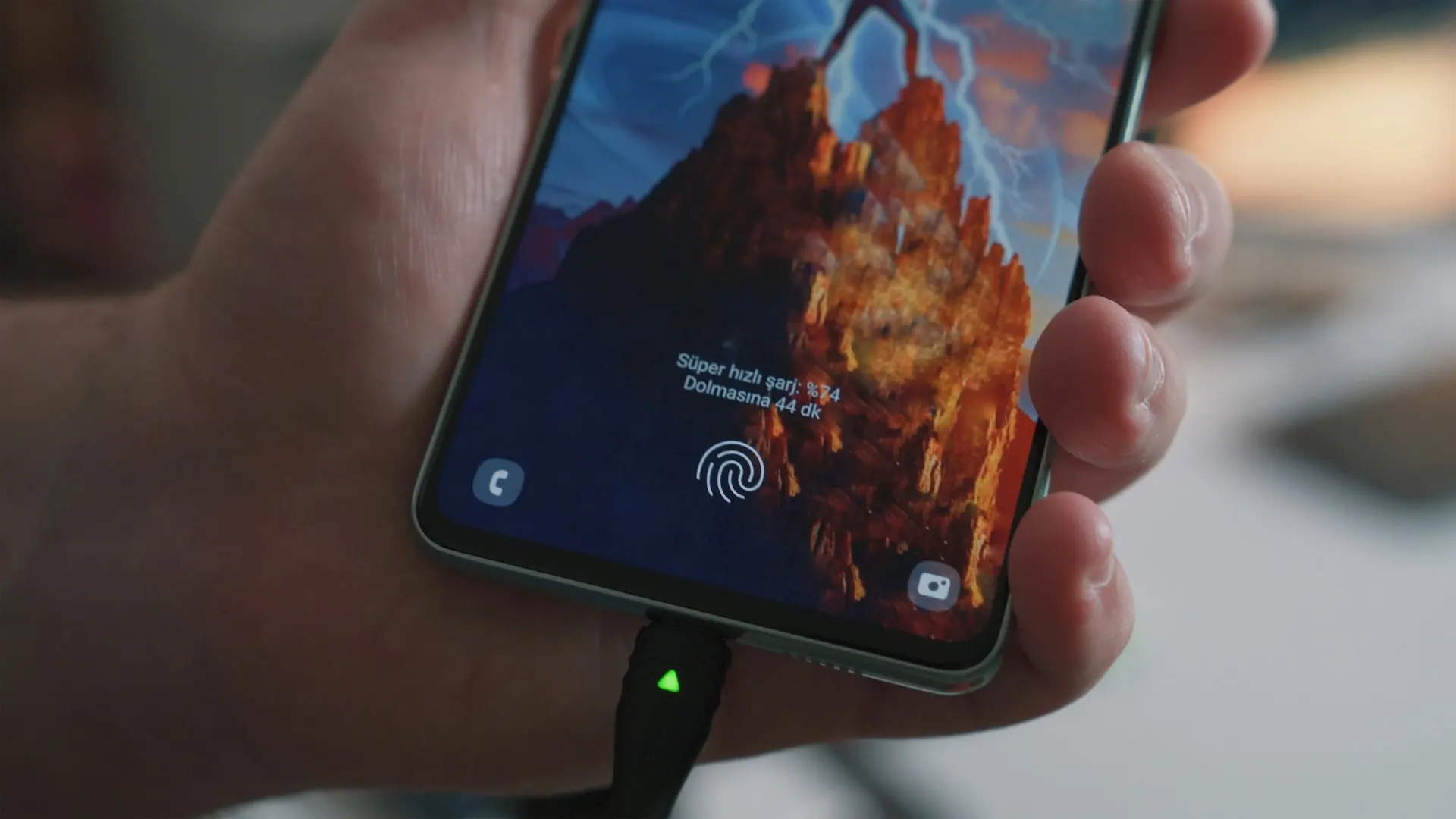
Static wallpapers use a single image, while live wallpapers add movement through video, animation, interactive effects, or continuously rendered scenes.
Live backgrounds can make a device feel more dynamic and personal. Static wallpapers, however, are simpler, use fewer resources, and often preserve the original image at a higher apparent quality.
Neither option is best for every user. The right choice depends on your priorities, device capabilities, battery needs, and how much time you spend looking at the home screen or desktop.
This guide compares static and live wallpapers across battery consumption, performance, image quality, storage, and everyday usability.
What Is a Static Wallpaper?
A static wallpaper is a normal image that remains unchanged behind your icons and applications.
Common static-wallpaper formats include:
- JPG
- PNG
- WebP
- AVIF
Once the image has been loaded, displaying it requires very little ongoing processing. This makes static wallpapers suitable for nearly every desktop, laptop, phone, tablet, and smartwatch.
Static wallpapers can still change automatically through a slideshow or scheduled theme, but each individual background remains a still image.
What Is a Live Wallpaper?
A live wallpaper contains movement or reacts to activity on the device.
It may use:
- A looping video
- 2D or 3D animation
- Particle effects
- Weather information
- Audio visualizations
- Touch interaction
- Device motion
- Real-time clocks
- Game-engine rendering
Some live wallpapers are short, efficient animations. Others behave more like applications and continually use the processor or graphics hardware.
This difference is important because two live wallpapers can have completely different effects on performance and battery life.
Which Uses More Battery?
Live wallpapers normally consume more battery than static images because movement must be decoded or rendered repeatedly.
The actual difference depends on:
- Animation complexity
- Frame rate
- Screen technology
- Screen brightness
- Time spent on the home screen
- Whether the animation pauses when hidden
- Processor and graphics efficiency
- Background sensors or internet access
A simple, dark animation that pauses when an application opens may have a relatively small impact. A bright, interactive 3D scene running at a high frame rate can use considerably more power.
Static wallpapers have minimal ongoing power requirements. On OLED phones, a predominantly black static wallpaper may reduce display power further because black pixels can remain off or nearly off.
Which Offers Better Performance?
Static wallpapers are the safest choice for performance.
They require little processing after being applied and are unlikely to affect games, video editing, multitasking, or general responsiveness.
Live wallpapers can use:
- CPU resources
- GPU resources
- System memory
- Graphics memory
- Storage bandwidth
- Background services
On a powerful desktop, the difference may be difficult to notice. On an older laptop or entry-level phone, a complex background can contribute to slower animations, increased heat, shorter battery life, or reduced gaming performance.
Well-designed live-wallpaper applications pause or lower their frame rate when the desktop is covered. Check these settings before deciding that all animated wallpapers are equally demanding.
Which Has Better Image Quality?
Static wallpapers usually provide the sharpest and most consistent image quality.
A high-resolution still image can preserve fine details without video compression, motion blur, or reduced frame resolution. It is also easier to match precisely to the screen’s native dimensions.
Live wallpapers can still look excellent, but quality depends on the source and playback method. Common issues include:
- Visible video compression
- Low-resolution animation
- Banding in gradients
- Motion blur
- Repeated loops
- Cropping
- Lower frame rates
- Reduced quality to limit file size
A 4K label does not guarantee that a live wallpaper will look better than a well-designed static QHD or 4K image.
Storage Requirements
A static wallpaper usually requires far less storage than a video or complex live-wallpaper package.
A compressed high-resolution image may occupy only a few megabytes. A high-quality video background can require tens or hundreds of megabytes, depending on its duration, resolution, codec, and frame rate.
Large collections of live wallpapers can therefore consume storage quickly, especially on phones with limited capacity.
Cloud-based or streaming wallpapers may use less local storage but can require internet access and background data.
Heat and Device Wear
A static background does not normally generate noticeable heat.
A demanding live wallpaper can keep the processor or graphics hardware active, causing the device to become warmer. Heat may be especially noticeable while charging, playing games, using navigation, or running other resource-intensive applications.
A live wallpaper alone is unlikely to damage a properly functioning device, but unnecessary sustained activity can reduce battery runtime and add to overall battery wear over time.
Distraction and Readability
Movement naturally attracts attention. This can make a live wallpaper visually exciting, but it may also distract you while working or make icons harder to locate.
Static wallpapers are more predictable and can be selected specifically to provide clear space behind:
- Desktop shortcuts
- App icons
- Widgets
- Notifications
- Taskbars and docks
If you prefer animation, choose a slow and subtle design rather than constant rapid movement. Avoid bright flashes or effects that interfere with text and icons.
Privacy and Security Considerations
A static image does not normally require special permissions.
Live-wallpaper applications may request access to files, network connections, device sensors, location, or other system features. Some permissions may support legitimate functions such as weather effects, but they should still match the wallpaper’s purpose.
Download live-wallpaper software from a trusted source, review requested permissions, and avoid applications that demand unrelated access.
Static vs. Live Wallpapers on Laptops
Static wallpapers are usually the better option when a laptop frequently runs on battery.
Live wallpapers can be practical when the laptop is connected to power, provided the animation pauses during full-screen applications and when battery-saving mode is active.
For the best balance:
- Pause animation on battery.
- Pause it when applications are maximized.
- Reduce the animation frame rate.
- Disable audio-reactive or sensor-based effects.
- Avoid high-resolution video when the screen cannot display it.
Static vs. Live Wallpapers on Phones
Phones spend most of their active time inside applications rather than on the home screen. A properly designed live wallpaper may therefore have a limited effect if it stops when hidden.
However, battery-conscious users will still benefit from a static background—particularly on older devices or during travel.
Live wallpapers may also behave differently on the lock screen and home screen. Preview both before applying one permanently.
Static vs. Live Wallpapers: Quick Comparison
FeatureStatic wallpaperLive wallpaperBattery consumptionVery lowLow to highPerformance impactMinimalDepends on complexityImage sharpnessUsually excellentDepends on video or renderingStorage useUsually smallOften largerCustomizationImage-basedMotion and interactionDistractionLowPotentially higherCompatibilityExcellentDevice and software dependentPermissionsUsually noneMay require additional accessWhich Should You Choose?
Choose a static wallpaper if you:
- Want maximum battery life
- Play games or use demanding applications
- Prefer sharp image quality
- Have an older or entry-level device
- Want a clean, distraction-free screen
- Frequently use a laptop away from power
Choose a live wallpaper if you:
- Enjoy movement and interaction
- Have sufficient battery and system resources
- Keep your device connected to power
- Can configure animation to pause automatically
- Prefer a more dynamic desktop or home screen
Final Thoughts
Static wallpapers provide the best combination of battery efficiency, performance, compatibility, and image clarity. They are the sensible default for most users.
Live wallpapers offer a more engaging experience, but their quality and resource requirements vary considerably. A lightweight animation with sensible pause settings can work well, while a complex interactive scene may reduce battery life and responsiveness.
The best choice is the one that matches your device and how you use it. If performance or battery life matters most, choose static. If personalization and movement matter more, use a well-optimized live wallpaper and configure it carefully.