Bold. Beautiful. WallpaperPanda.
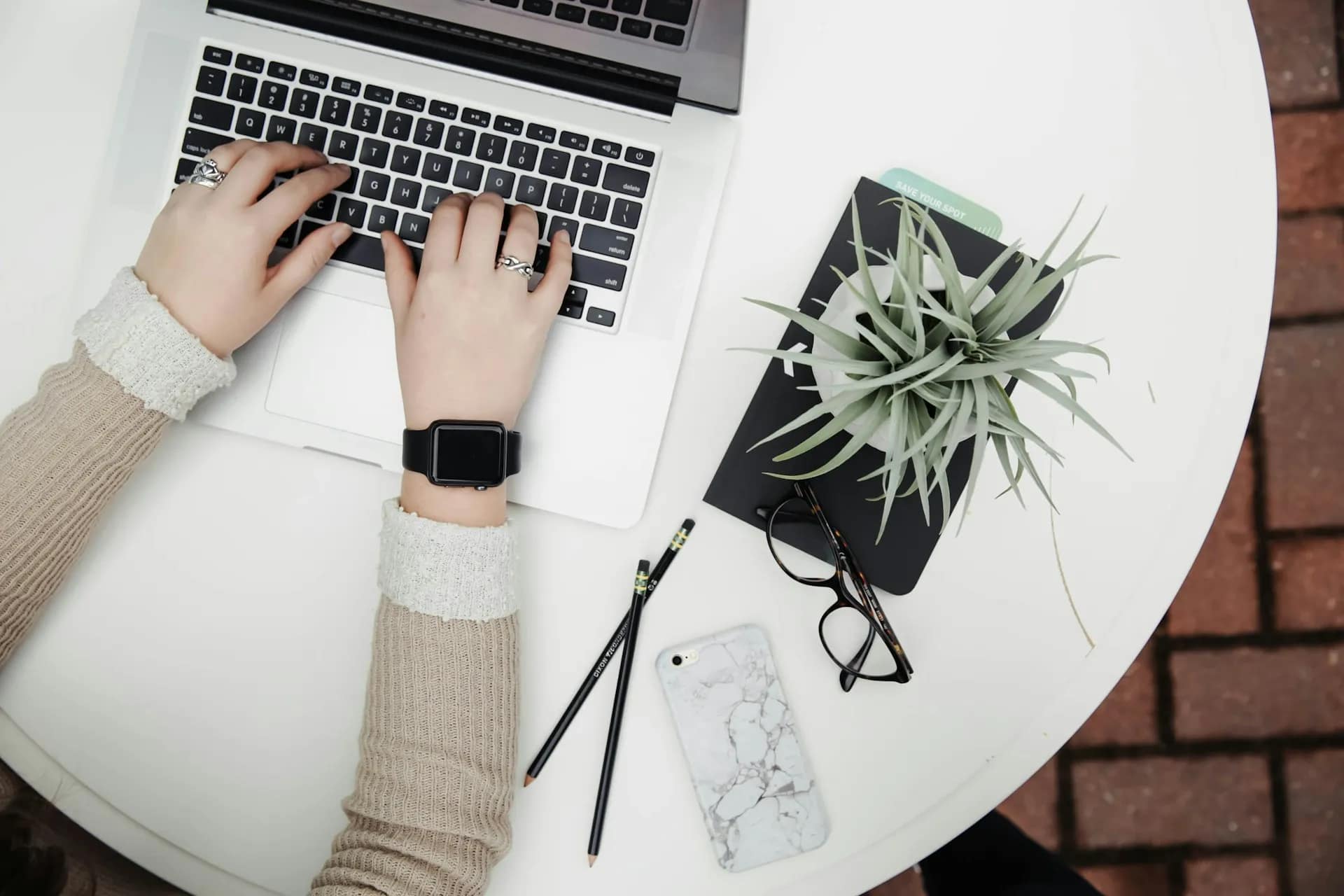
Personalizing your device with a beautiful wallpaper is one of the easiest ways to express your style. At WallpaperPanda, we provide high-quality wallpapers designed for multiple devices including mobile phones, PCs, laptops, monitors, and smartwatches.
This guide will walk you through how to download our wallpapers and how to set them on your devices.
Before downloading any wallpaper, you must first accept the Copyright & Intellectual Property Disclaimer.
This step helps protect the creative work published on WallpaperPanda and ensures that wallpapers are used appropriately.
This simple step allows you to proceed with downloading your selected wallpaper.
Many wallpapers on WallpaperPanda are available in different formats, colors, and device sizes.
You can download them in two ways:
If a wallpaper comes in multiple versions (for example):
You can download only the version you want by clicking the corresponding Download button.
If you want every version of the wallpaper, simply click the Download All button.
This will download all available files in a single package, making it easier to access wallpapers for multiple devices.
Download the wallpaper image file directly to your phone.
Open your phone’s Wallpaper Settings and select the downloaded image.
Move, center, or scale the image so it fits perfectly on your screen.
Experience creative energy every time you unlock your phone.
Alternatively:
Or:
If you are using a large display, ultrawide monitor, or dual-monitor setup, choose the wallpaper version that matches your resolution (for example 1920×1080, 2560×1440, or 4K).
Selecting the correct resolution ensures the wallpaper looks sharp and not blurry.
Many WallpaperPanda collections include wallpapers designed specifically for smartwatch screens.
Your smartwatch will now display the wallpaper on the watch face.
All wallpapers on WallpaperPanda are intended for personal use only unless otherwise stated.
Do not redistribute, sell, or claim ownership of the wallpapers without permission.
Downloading the correct resolution for your device will ensure the best visual quality.
If you downloaded a package using Download All, keep the files so you can easily switch wallpapers across devices.
WallpaperPanda makes it easy to download, customize, and enjoy high-quality wallpapers on any device. Whether you’re using a phone, laptop, desktop monitor, or smartwatch, our wallpapers are designed to bring creativity and style to your screens.
Check out our latest collections and start personalizing your devices today.